Snow.
Piles up on your windows.
Settles on window tops and the Dock. Drag a window and it slides off.

Pick an effect and it falls over your Mac, piles up on your windows and slides off when you drag. Plus wallpapers that match.
Buy once use forever · from $7, lifetime
Winter list
Try it: drag the window, sweep with your pointer.
Snow, petals and stars land on the tops of your windows and on the Dock.
Move a window and what piled up on it falls away.
Sweep the snow, kick the leaves, shelter from the rain.
Drawn on the graphics chip. Half as much on battery, none under a full-screen app.
Settles on window tops and the Dock. Drag a window and it slides off.
Drops splash on your windows, with lightning now and then.
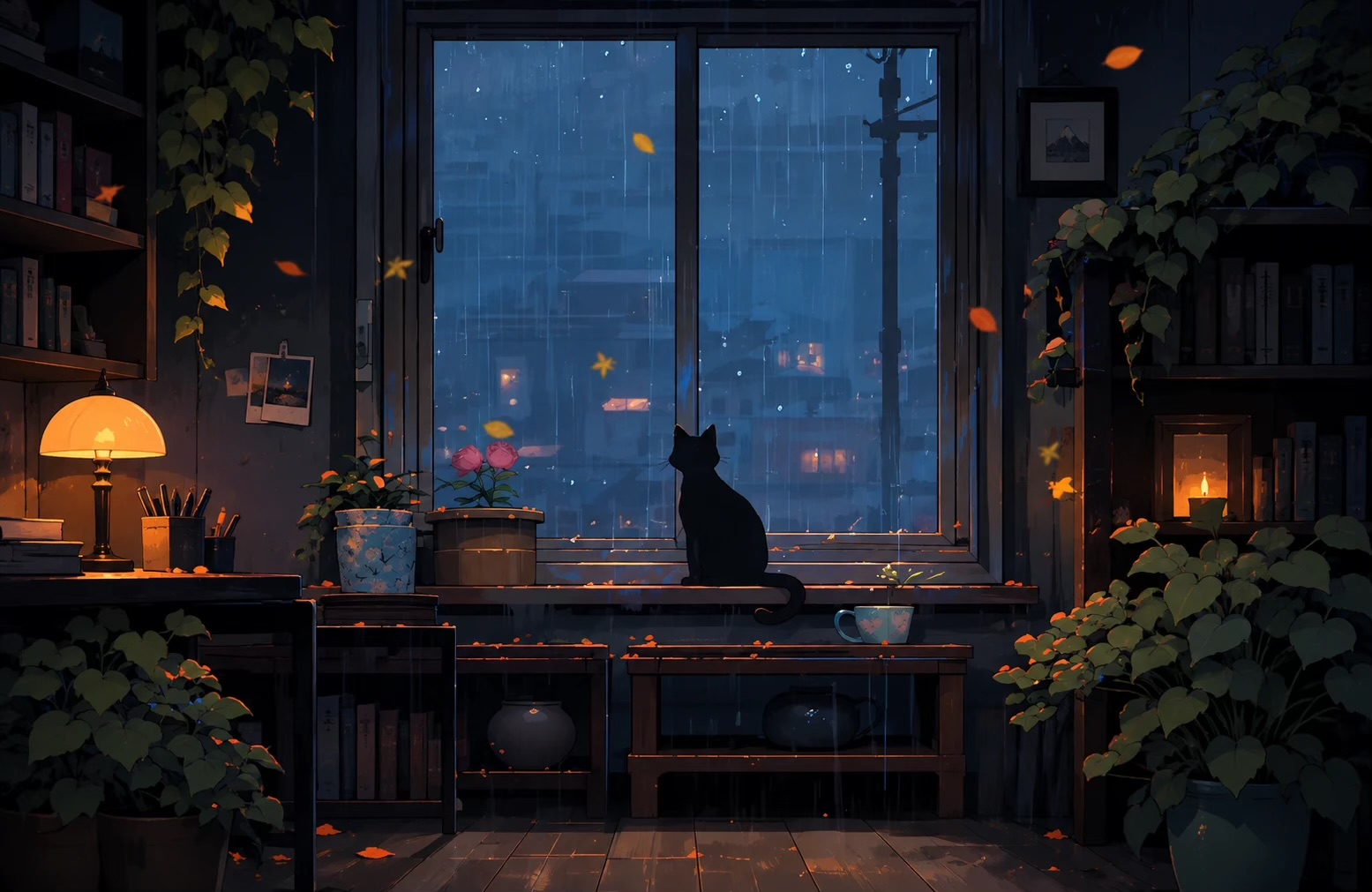
Cherry blossom drifts down and rests on your windows.
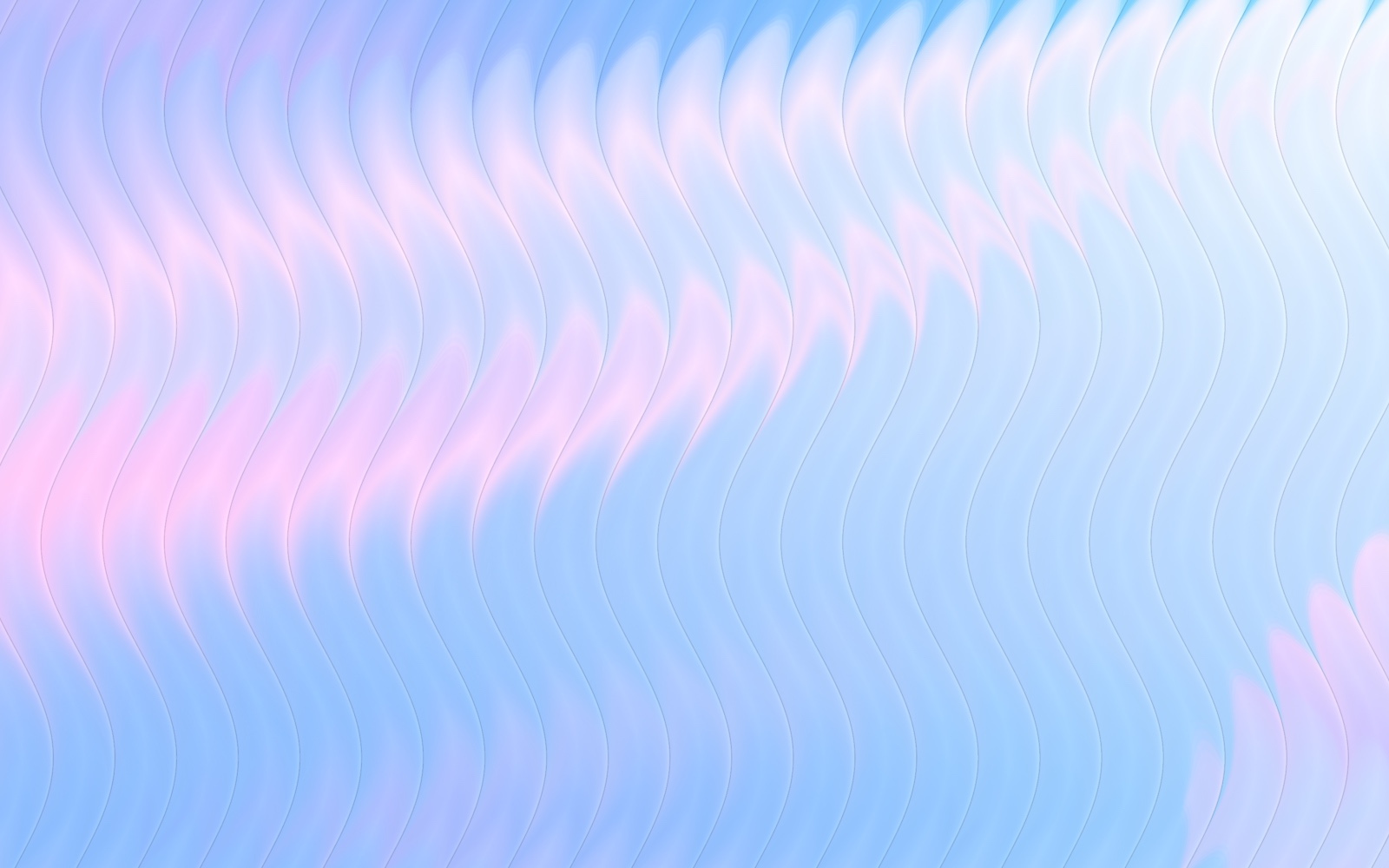
Autumn leaves pile up and scatter as you brush past.

Soft lights drift around and gather where you rest.
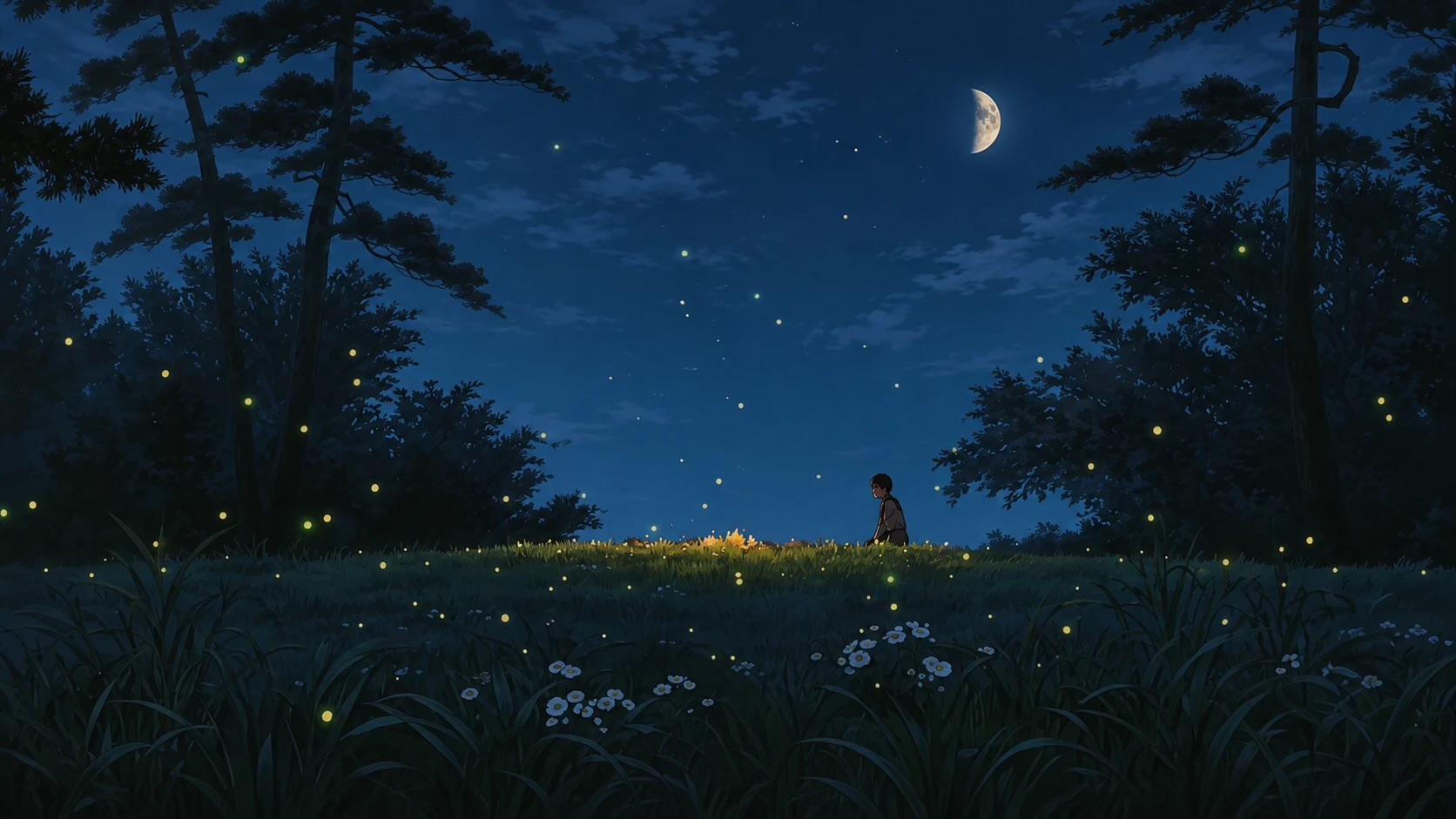
Meteors streak across and break into sparks on your windows.
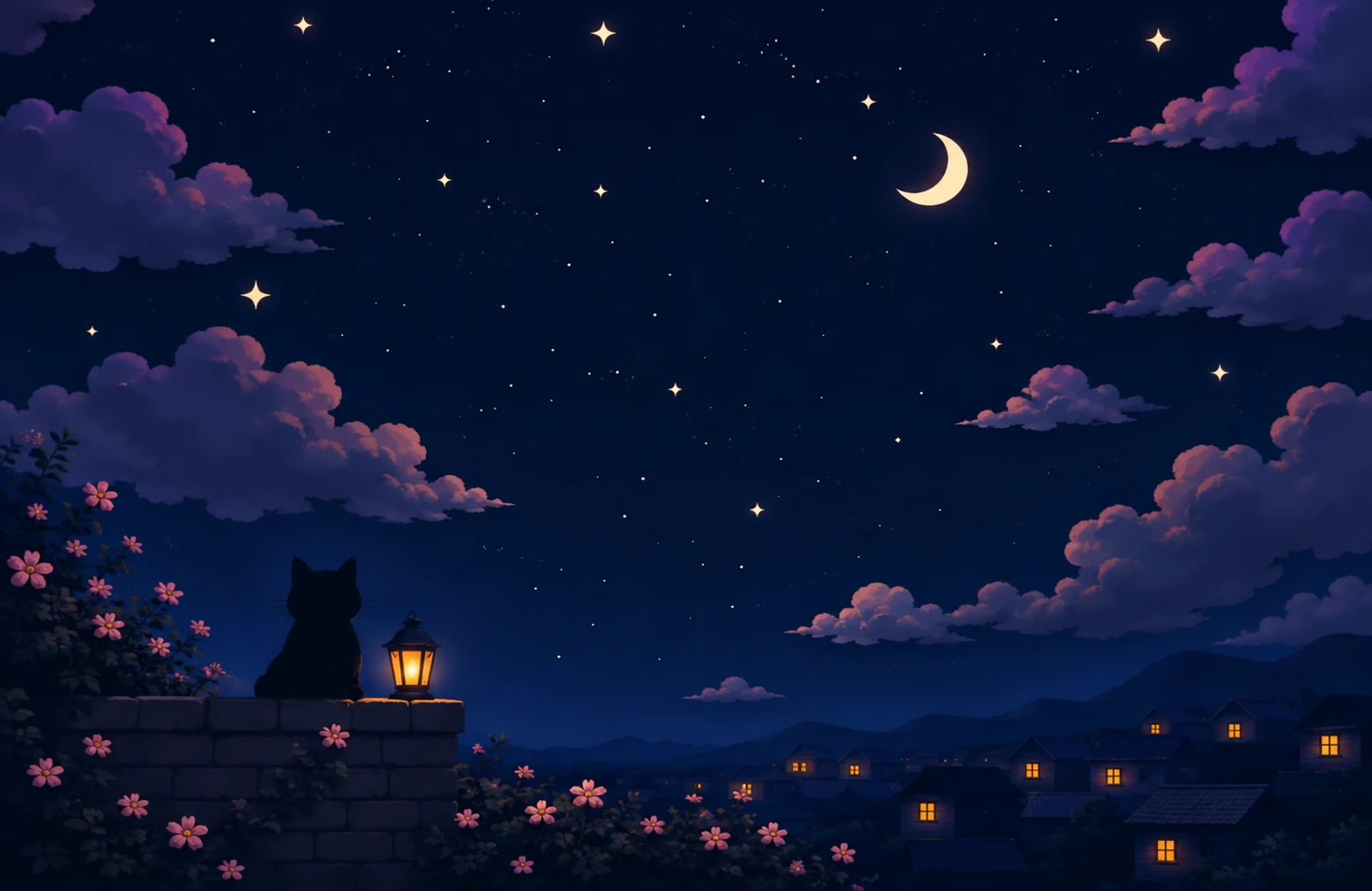
Pick a photo, pick a recipe, bend the glass. KoiArt draws it at your screen's full size and sets it as your wallpaper. It all happens on your Mac.
$7 for 1 Mac or $15 for 10. We email you a license key.
Open the app and paste the key from the email. That's it.
Choose an effect and a wallpaper. It lives in your menu bar after that.
One small payment for a prettier desktop. Every effect, every wallpaper, every update. No subscription.
10 Macs
Best valuemacOS 14 or later · Apple silicon and Intel · Download
Everything: all six effects, the five painted wallpapers, the glass wallpaper maker and every update after. You pay once, there's no subscription.
After you pay, we email you a license key. Open the app, paste the key, done.
A $7 key works on 1 Mac, a $15 key on up to 10. Got a new Mac? Remove the key from the old one in the app and paste it on the new one.
Search your inbox for "KoiArt license key". Can't find it? Write to support@spacerrs.com from the email you paid with.
No. It draws on the graphics chip, halves the effect on battery and in Low Power Mode, and stops while a full-screen app covers the screen or the screen sleeps.
Always. The effect sits over your screen but every click goes straight to what's under it.
macOS 14 Sonoma or later, on Apple silicon and Intel.
Open KoiArt, go to Wallpapers and click one. It's set on every screen. Want your own? Glass turns any photo into a wallpaper.
Only if KoiArt doesn't work on your Mac and you tell us within 3 days of buying. Write to support@spacerrs.com. Full details on the refund policy page.